Choose your starting point
Upload a photo to edit or describe an image you want to create.


MIA · Image Editor
Create amazing images, edit your photos and explore new styles with artificial intelligence. Intuitive tools to bring your ideas to life, without complications.
From the first adjustment to your next big idea.
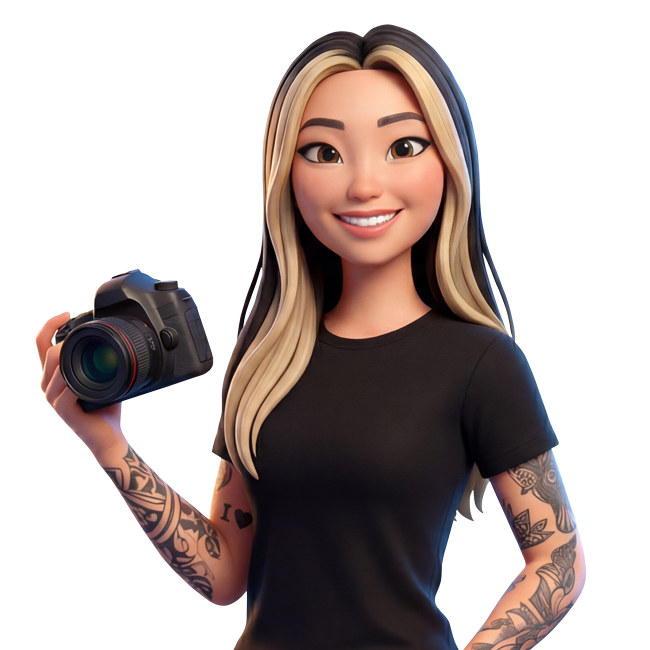
The power of AI in your creative workflow
Mia brings together Google, GPT and Grok models in an interface designed to simplify image creation and editing. For your content, your work or that idea you want to try.
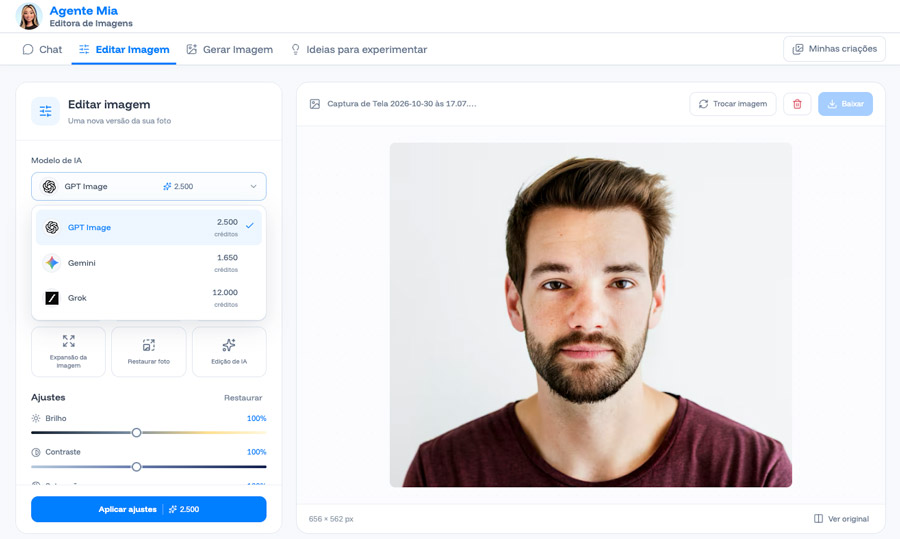
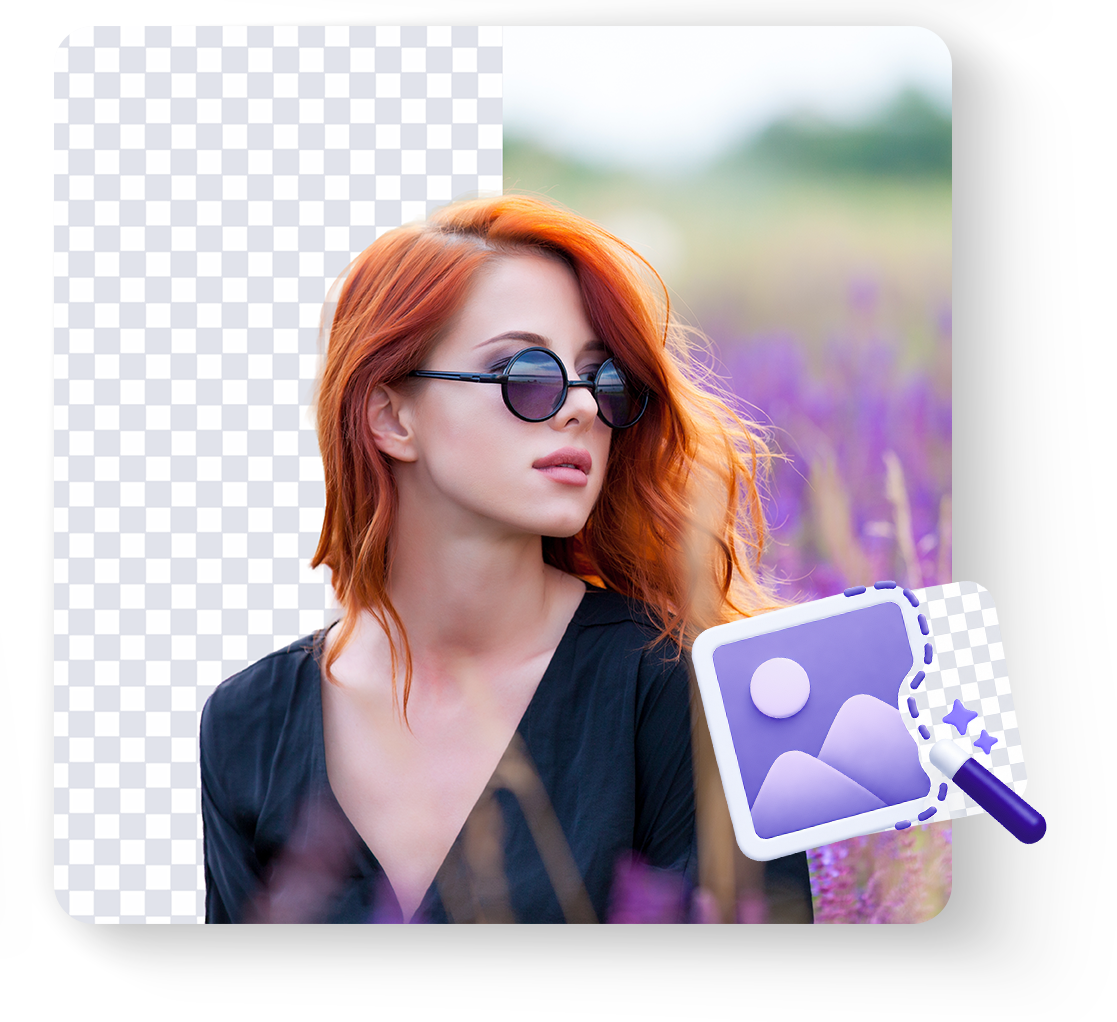
01 / GUIDED EDITING
Need a quick adjustment? Use ready-made tools to transform images without mastering editing software.
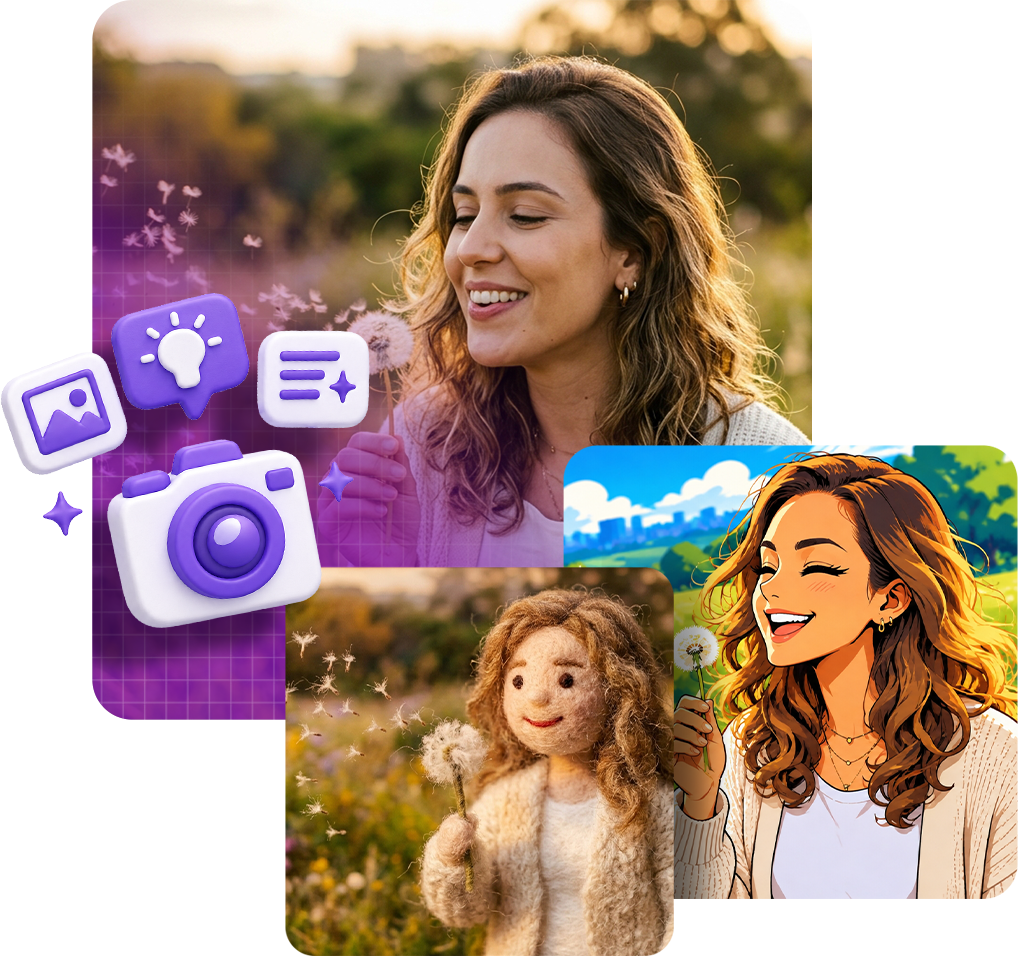
02 / READY-MADE TEMPLATES
No need to start with a blank canvas. Explore preconfigured creative templates and discover new versions of your images.
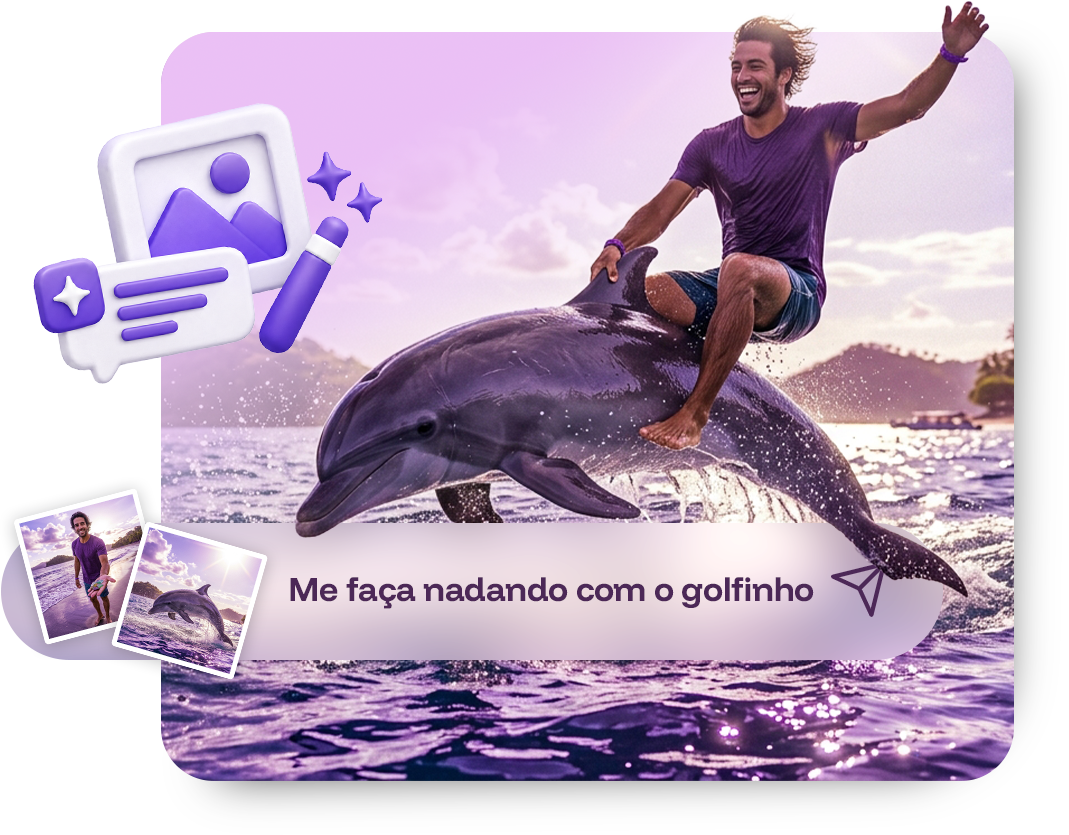
03 / PROMPT-BASED CREATION
Tell us what you want to create and turn words into images. Choose an AI model for your project and use visual references to guide creation.
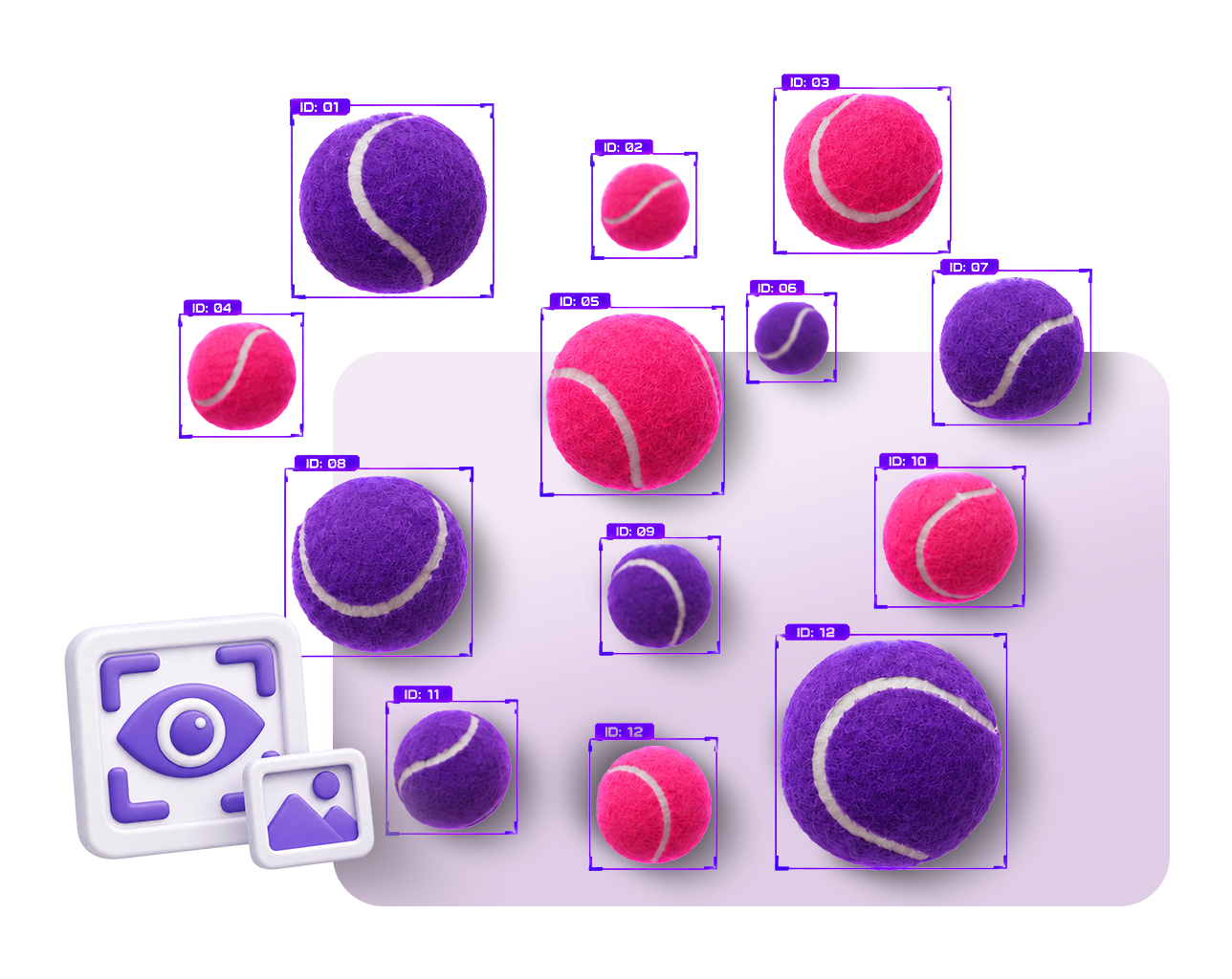
04 / COMPUTER VISION
Mia also helps interpret visual information and simplify tasks beyond aesthetics.
Meet Mia in action
Press play and discover how Mia transforms, improves and edits images in a few steps.
Easy to get started
Upload a photo to edit or describe an image you want to create.
Use guided editing, explore templates or write your prompt.
Explore the result and export your creation for your projects.
Plan your creations
Explore Mia's calculator and estimate your creations.
Before your first creation
Your creativity shouldn't be held back by complicated tools.
No. Guided editing offers preconfigured tools and styles. You can also describe in words what you want to create or transform.
Yes. With prompt-based creation, describe your idea, choose an AI model and use reference images to guide the result.
Yes. Guided editing includes background removal, quality enhancement, lighting adjustments, color filters, background blur and avatar photo preparation.
The official page presents Google Nano Banana, GPT and Grok models. Check available options on the platform when starting your creation.
Yes. Computer vision offers text reading and translation, object identification and counting, and scene descriptions.
Your creation can go further
Meet Oscar, QYON's agent for creating videos, scenes and avatars with artificial intelligence.
Meet Oscar ↗
Your next creation starts here
From everyday photos to your most creative ideas, Mia helps you explore new possibilities with artificial intelligence.